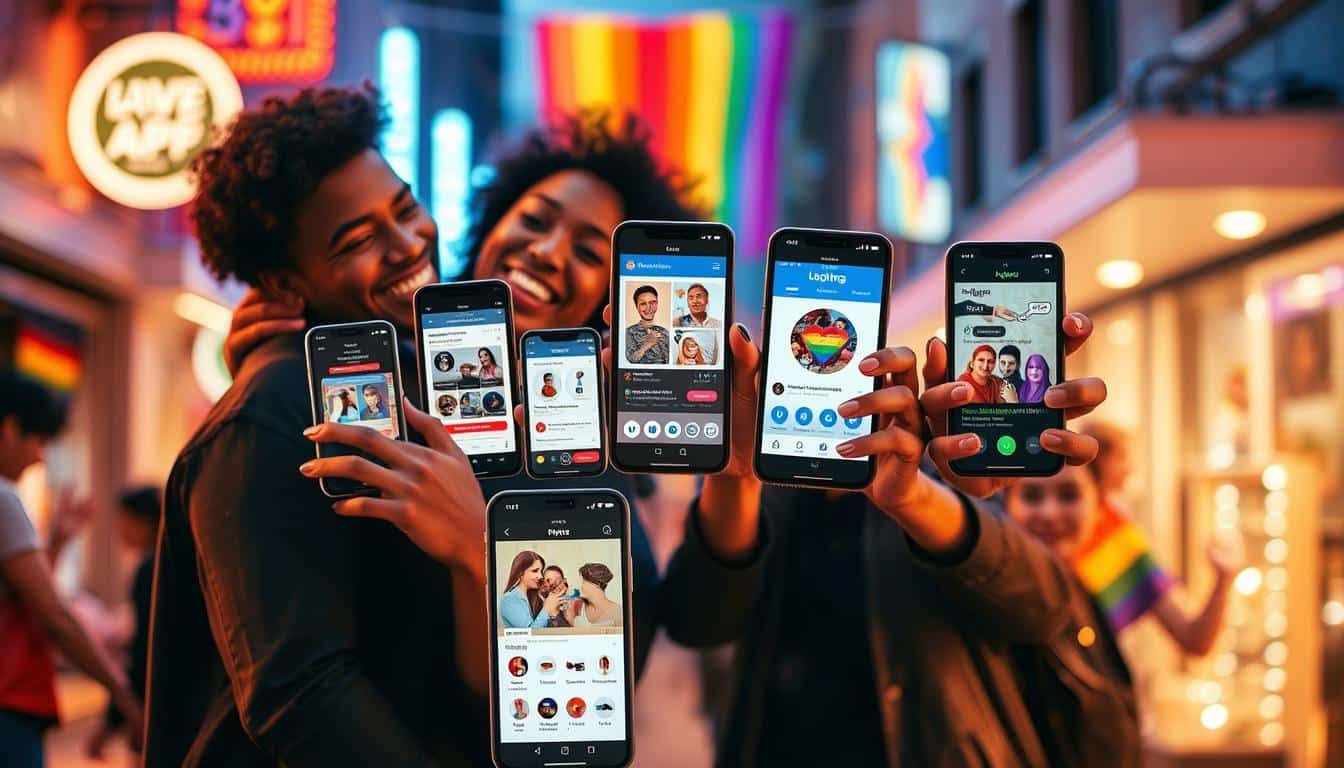
Você está em busca dos melhores aplicativos de edição de fotos para dar um up nas suas imagens? Então, você veio ao lugar certo! Neste post, vamos explorar as opções mais populares, como Adobe Lightroom, Snapseed e Picsart, e avaliar suas funcionalidades tanto para profissionais quanto para iniciantes. Se você quer saber como escolher o app ideal para o seu celular, quais são as ferramentas gratuitas mais recomendadas e como a inteligência artificial pode aprimorar suas fotos, continue lendo. A sua jornada na edição de imagens está prestes a começar!
Quais são os melhores aplicativos de edição de fotos para dispositivos móveis?
Quando se trata dos melhores aplicativos de edição de fotos, não dá para deixar de mencionar o Adobe Lightroom Mobile, Snapseed e Picsart. Cada um deles tem suas particularidades, que atendem tanto iniciantes quanto fotógrafos mais experientes.
Ads
O Adobe Lightroom Mobile oferece edição poderosa com suporte a arquivos em formato raw. Isso significa que você tem um controle maior sobre a exposição e o equilíbrio de cores. A versão gratuita já possui ferramentas básicas, enquanto a assinatura fornece opções avançadas, como armazenamento em nuvem e efeitos mais complexos.
Para quem busca uma opção gratuita, o Snapseed é uma escolha sólida. Faz parte da suíte do Google e conta com ferramentas como o Healing Brush e HDR, além de suporte para edição de arquivos raw. Apesar de não ter recebido muitas atualizações recentes, permanece uma alternativa muito útil.
Por sua vez, o Picsart se destaca como um aplicativo “tudo em um”. Ele combina edição de fotos com uma rede social para compartilhamento. Embora algumas funcionalidades básicas sejam gratuitas, recursos avançados, como a geração de imagens por IA, exigem uma assinatura.
Esses aplicativos estão disponíveis tanto para Android quanto para iOS, garantindo que a maioria dos usuários possa acessá-los. Se você é um profissional ou apenas um amante da fotografia, o Adobe Lightroom Mobile e o Google Photos são recomendados, enquanto o Apple Photos brilha em iPhones.
Para uma visão completa de apps de edição, você pode conferir esta análise de aplicativos. A variedade disponível atende a diferentes necessidades, desde edições profissionais até opções divertidas para redes sociais.
Quais ferramentas de edição gratuitas são recomendadas?
Se você está em busca de software gratuito para edição de fotos, o Snapseed é uma excelente escolha. Ele oferece uma ampla gama de ferramentas, como o Healing Brush, que permite remover imperfeições, e suporte para edição de arquivos RAW. Além disso, seu design intuitivo facilita a navegação, mesmo para iniciantes. No entanto, vale notar que não recebeu muitas atualizações recentes.
Agora, se você for mais aventureiro e deseja funcionalidades extras, aplicativos como Afterlight podem ser interessantes. Embora ofereçam uma versão básica gratuita, para acessar recursos avançados, como HSL filters e sobreposições de texto, você precisará da versão paga. Esses recursos podem transformar suas fotos de boas para incríveis, dependendo do seu estilo de edição.
Quando se compara recursos e ferramentas de apps gratuitos versus pagos, a diferença muitas vezes reside na profundidade e diversidade das funcionalidades. Aplicativos como Picsart são uma alternativa versátil, oferecendo edição básica de graça, mas com ferramentas de ponta, como geração de fotos via IA, disponíveis apenas na assinatura paga. Enquanto isso, o Polarr fornece suporte a filtros personalizados que usuários criam e compartilham, além de uma versão paga que desbloqueia todo seu potencial.
O importante é escolher a ferramenta que melhor se adapta ao seu fluxo de trabalho e estilo. Experimente diferentes aplicativos e veja qual deles faz seu coração de editor apaixonado bater mais forte! Para dicas mais completas sobre edição, você pode conferir este link com mais informações.
O que considerar ao escolher um aplicativo de edição de fotos?
Ao escolher um aplicativo de edição de fotos, a interface do usuário e a facilidade de uso são fundamentais. Se um app for complicado de navegar, você pode acabar perdendo mais tempo do que editando suas fotos. A maioria dos aplicativos populares, como o Adobe Lightroom Mobile e o Snapseed, oferece interfaces intuitivas, mas sempre vale a pena verificar se o layout e os controles se adaptam ao seu estilo de uso.
Outro fator importante é a compatibilidade. Você precisa garantir que o aplicativo funciona no seu dispositivo, seja Android ou iOS. Alguns apps, como o Picsart e o Polarr, estão disponíveis em múltiplas plataformas, o que facilita a experiência de edição entre diferentes dispositivos.
Além disso, avalie as opções de edição que cada aplicativo oferece. Mudanças simples podem fazer uma grande diferença — pense em filtros, ajustes de contraste e brilho, ou ferramentas de remoção de objetos indesejados. O Afterlight, por exemplo, traz uma variedade de filtros e opções de edição, enquanto o Snapseed possui ferramentas robustas como o Healing Brush para retoques precisos.
Para garantir que você está fazendo a escolha certa, confira análises detalhadas em fontes confiáveis. O New York Times disponibiliza informações relevantes sobre os melhores aplicativos de edição de fotos, incluindo comparações de funcionalidades e feedback de usuários aqui. Considerar esses aspectos não só melhora sua experiência de edição, mas também potencializa a qualidade das suas fotos, tornando cada clique mais especial.
Como os aplicativos de edição de fotos utilizam inteligência artificial?
Os aplicativos de edição de fotos estão cada vez mais incorporando tecnologia de inteligência artificial para aprimorar a experiência do usuário. Exemplos como Picsart e Polish são ótimos para ver como essa inovação está sendo utilizada.
Como isso funciona? A IA pode automatizar processos que outrora exigiriam habilidades avançadas para edições sofisticadas. Por exemplo, o Picsart possui uma funcionalidade de geração de imagens a partir de texto, permitindo que você crie imagens únicas com apenas algumas palavras. A Polish também oferece transferências de estilo artístico usando IA, proporcionando um toque profissional às suas fotos com apenas alguns cliques.
E quais são os benefícios disso? O uso de ferramentas automáticas facilita para iniciantes que podem se sentir sobrecarregados por opções complexas. Essas ferramentas podem ajustar iluminação, contraste e até mesmo realçar cores de maneira instantânea, economizando tempo e esforço. Sem mencionar que a diversão de explorar suas fotos se torna muito mais acessível!
Mas e o futuro da edição fotográfica? É promissor! Conforme a tecnologia avança, podemos esperar edições ainda mais precisas e personalizadas. A inteligência artificial está transformando o jeito como interagimos com nossas imagens, tornando muitos processos simples, rápidos e envolventes. A edição de fotos não é mais só para especialistas; agora, qualquer um pode se tornar um fotógrafo criativo. Se você quiser entender melhor sobre como essa tecnologia está evoluindo, confira este artigo sobre fotografia computacional.
Quais são as melhores práticas de edição para redes sociais?
Para criar conteúdos visualmente atraentes para Instagram e outras plataformas, é essencial entender algumas dicas práticas. Primeiro, a iluminação é fundamental — fotos bem iluminadas geralmente têm melhor impacto. Utilize aplicativos de edição para redes sociais, como Snapseed e Afterlight, que permitem ajustar brilho e contraste para deixar suas imagens mais atraentes.
Além disso, filtros são um recurso popular que pode aumentar o engajamento. Filtros como os do Adobe Lightroom e Picsart podem transformar uma foto comum em algo que realmente chama atenção. Eles oferecem uma ampla gama de opções, permitindo que você adicione um toque pessoal às suas imagens. Um filtro bem escolhido pode aumentar significativamente a interação com o seu público.
Para quem gosta de colagens e mesclagens de fotos, o Picsart se destaca. Esse aplicativo fornece ferramentas intuitivas que facilitam a criação de composições interessantes. Além disso, você pode explorar outras opções que focam em recursos de colagem, como o Canva, que oferece templates prontos para redes sociais.
Por fim, ao utilizar essas ferramentas e técnicas, não esqueça de manter uma identidade visual consistente. Isso ajuda a criar reconhecimento de marca. A combinação de boas práticas de edição e a escolha dos aplicativos certos, como o Google One, pode levar suas postagens a um novo nível, resultando em um perfil mais atraente e engajador.
Conclusão
Neste artigo, exploramos os melhores aplicativos de edição de fotos para dispositivos móveis, destacando opções como Adobe Lightroom, Snapseed e Picsart, além de suas funcionalidades tanto para iniciantes quanto para profissionais. Também discutimos ferramentas gratuitas recomendadas, critérios para escolher um aplicativo, o uso de inteligência artificial na edição e práticas eficazes para redes sociais. Com tantas opções disponíveis, é fundamental considerar suas necessidades e habilidades. Ao escolher o aplicativo certo, você pode transformar suas fotos em verdadeiras obras de arte, elevando sua presença online de forma criativa e acessível.
FAQ
Quais são os melhores aplicativos de edição de fotos para dispositivos móveis?
Os melhores aplicativos incluem o Adobe Lightroom Mobile, Snapseed e Picsart. Cada um oferece ferramentas únicas para iniciantes e profissionais, como edição avançada, suporte a arquivos raw e uma rede social integrada.
Quais ferramentas de edição gratuitas são recomendadas?
O Snapseed é uma escolha excelente. Ele oferece recursos como o Healing Brush e suporte a arquivos RAW de forma gratuita. Outro aplicativo interessante é o Afterlight, que tem uma versão básica gratuita, mas requer pagamento para funcionalidades avançadas.
O que considerar ao escolher um aplicativo de edição de fotos?
Considere a interface e a facilidade de uso, a compatibilidade com seu dispositivo e as opções de edição disponíveis. Aplicativos como Adobe Lightroom e Snapseed são intuitivos e oferecem uma boa variedade de ferramentas de edição.
Como os aplicativos de edição de fotos utilizam inteligência artificial?
A inteligência artificial ajuda a automatizar edições complexas, facilitando o uso para iniciantes. Por exemplo, o Picsart permite criar imagens a partir de texto, enquanto o Polish oferece efeitos artísticos com apenas alguns cliques.
Quais são as melhores práticas de edição para redes sociais?
Use iluminação adequada e aplique filtros para aumentar o apelo visual. Apps como Snapseed e Afterlight são úteis para ajustar brilho e contraste, enquanto o Picsart é ótimo para colagens e composições criativas.
Content created with the help of Artificial Intelligence.